
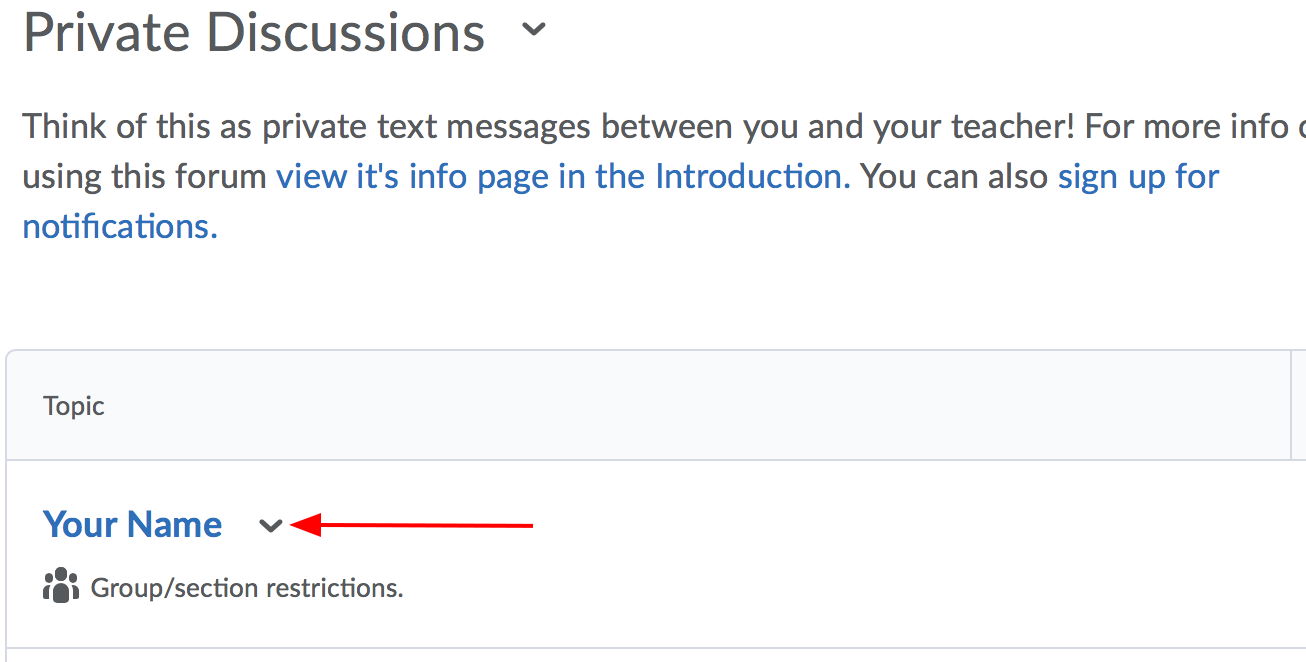
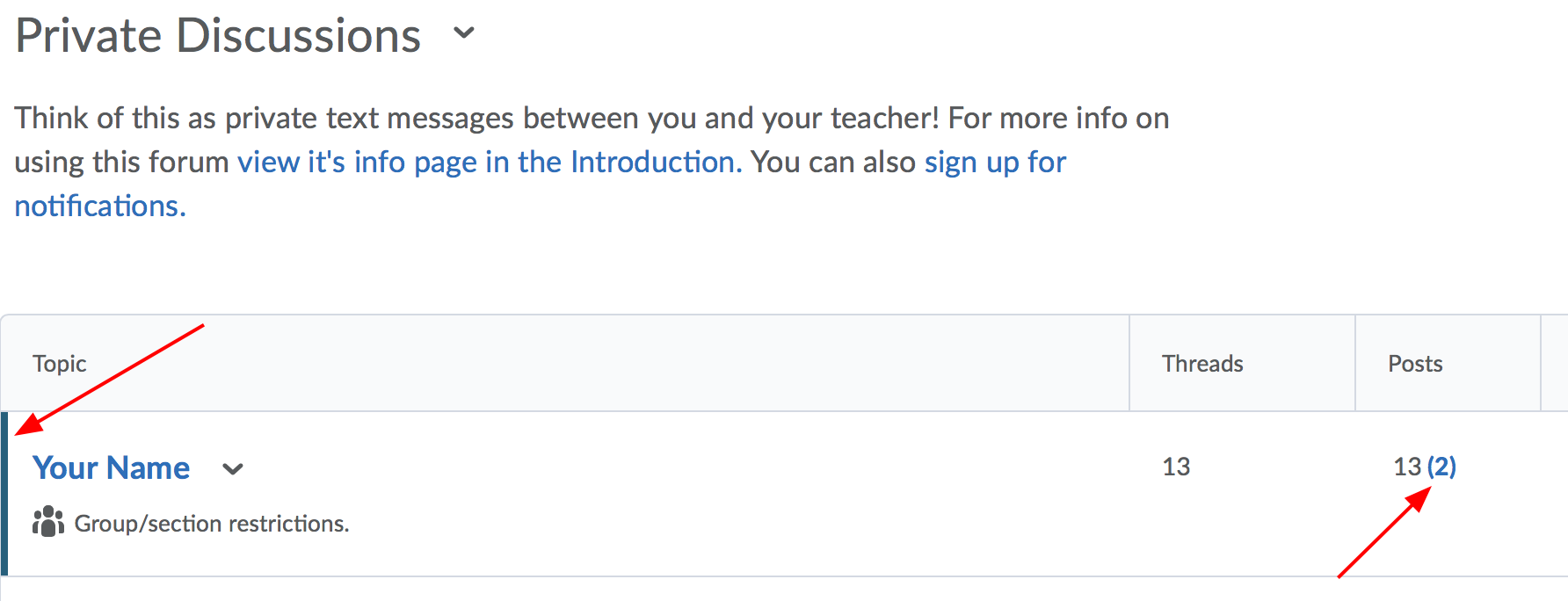
If you have a message, you'll notice that there is a light blue bar beside your name. There will also be a blue number in brackets. For example, the person below has 2 new messages.
Your teacher has sent you a welcome message (though there may be others as well!). Please open the message, read it, and reply by hitting "Reply to Thread".
Note, if ever you'd like to write your teacher a new message you'd click "Start a New Thread" from inside Private Discussions.
You should also introduce yourself to your teacher and fellow classmates in the Introductions Forum. You'll find it in the same spot as Private Discussions, only look for the word "Introductions" in the title. Unlike, private discussions, this is a public area, and everyone can see the messages there.